
The new cover designer, with a 3D preview
The cover now opens in the same editor as your pages, with all twelve of our cover designs, your own photos and text, and a 3D preview of the finished book.
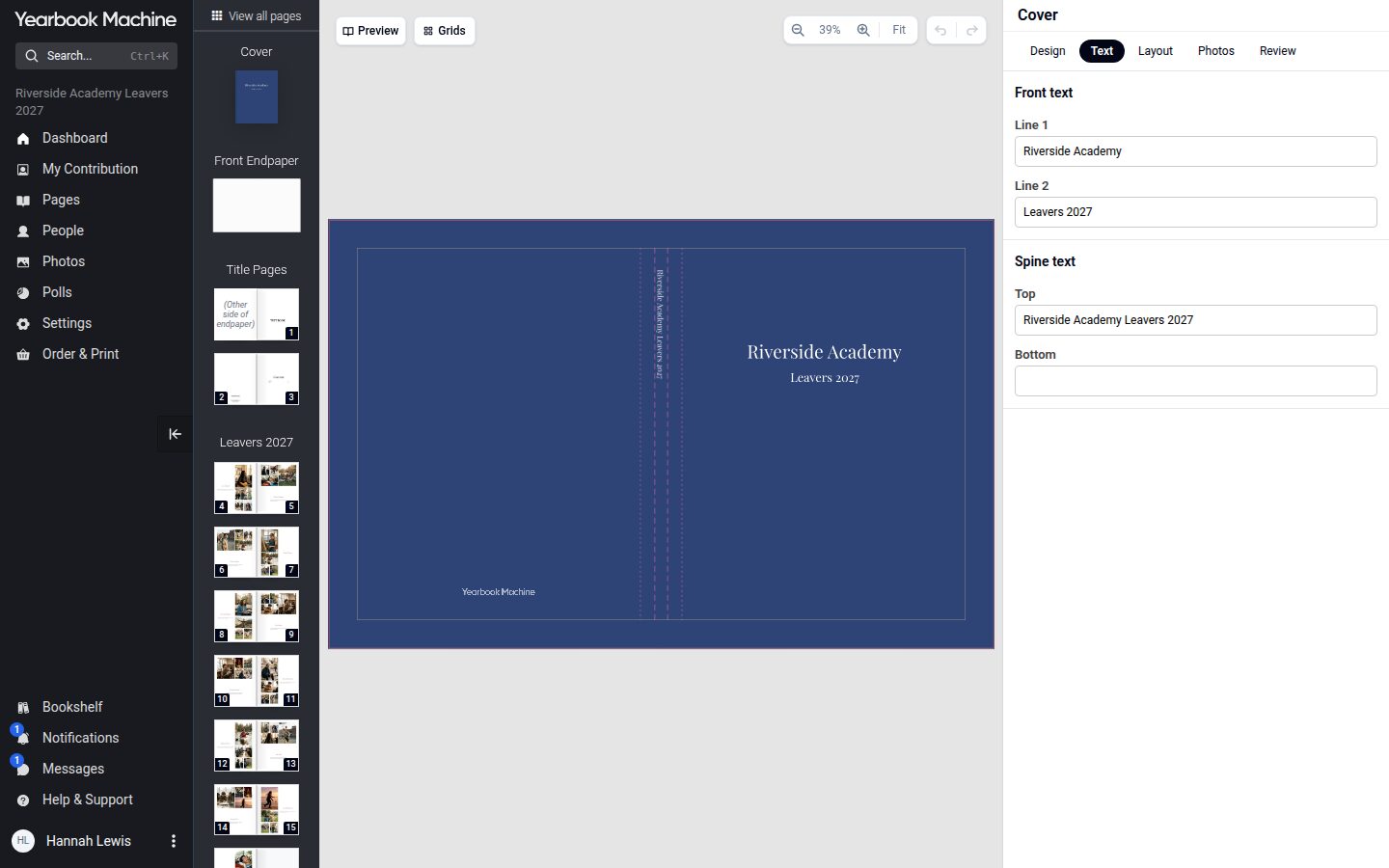
The cover is the first thing anyone sees of a yearbook. Today the cover designer moves into the same editor as your pages.
From a set of choices to the real cover
In the classic cover editor you chose a material, one of our designs and some wording, and our designers turned those choices into artwork by hand. You never saw your own cover until the proof. In the new designer you see the real cover, with your wording, colours and logo, as you design it, and it prints exactly as you made it.
The same tools as your pages
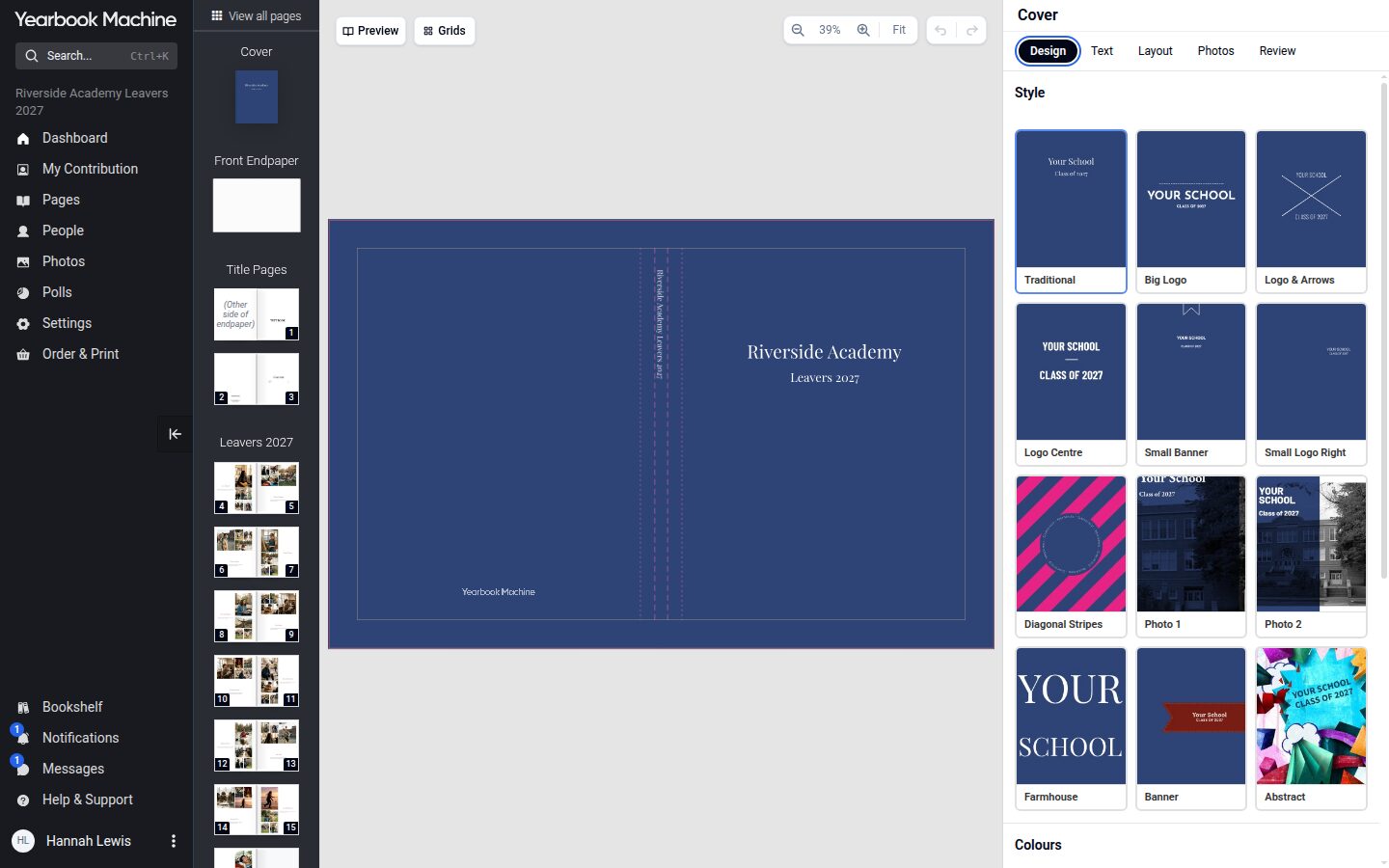
The cover now opens in the page editor, on phones as well as computers. The Design tab has all twelve of our ready-made cover designs, with the colours, material (hard cover, soft cover or leatherette, gloss or matte) and logo underneath. The Text tab holds the wording for the front cover and spine. The Layout tab has the same tools as your pages, so you can add your own photos, text, stickers and shapes. The Review tab runs the cover's checks.
See it in 3D
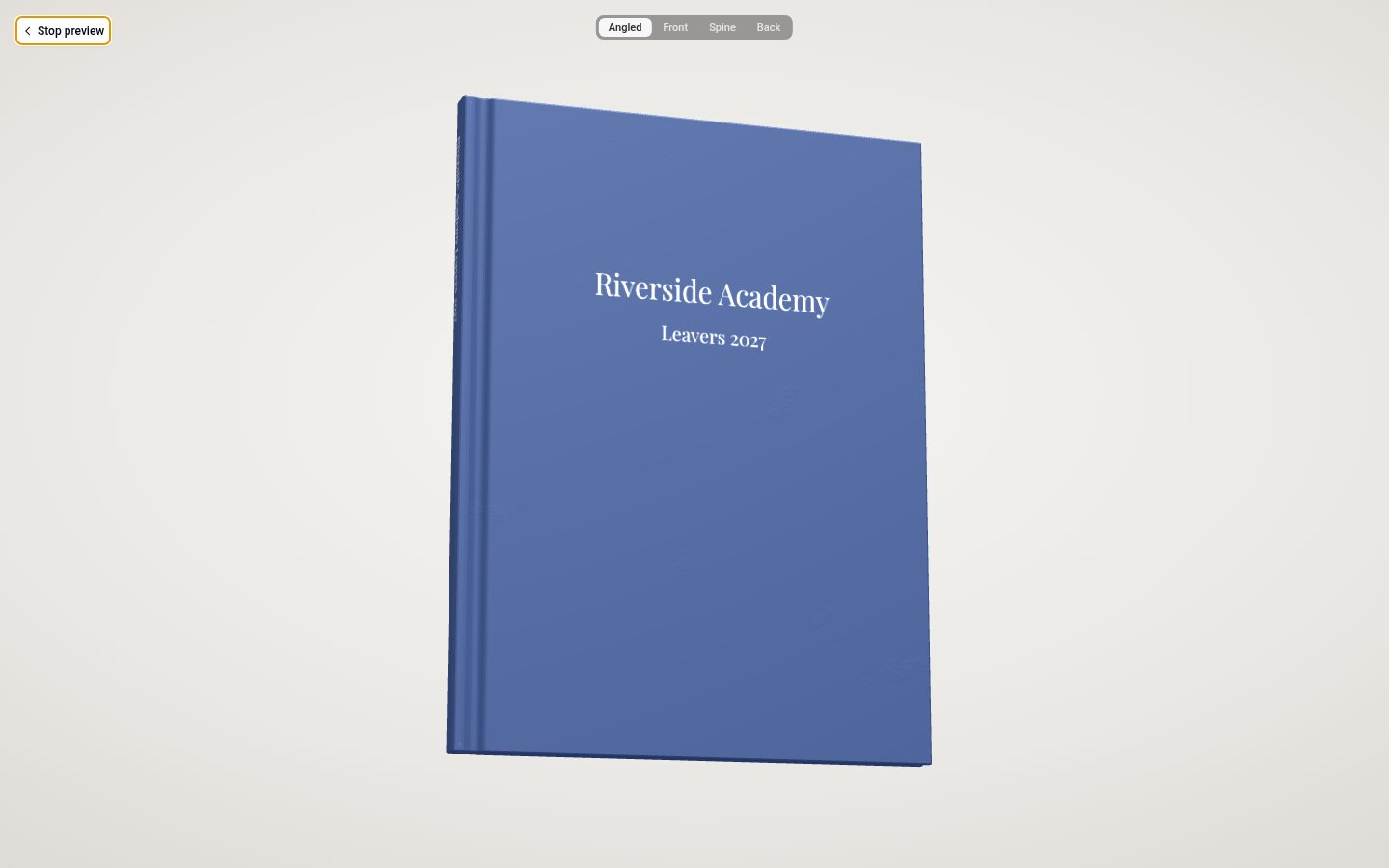
The Preview button shows your cover on a 3D book. Leatherette shows its grain, and foil catches the light as you move your pointer, so you get a feel for the finished book before you order. The real material will look a little different from the screen.
Made to fit
The cover adjusts itself as pages are added, and its print file is made straight from your design. Because nobody redraws it, check the wording and spelling carefully on your proof.