
Order & Print, and a shop that opens the moment you are ready
Ordering, payment, proofs and printing now live in one place, Order & Print. Set up your order step by step, and if you choose a storefront it opens as soon as you confirm.
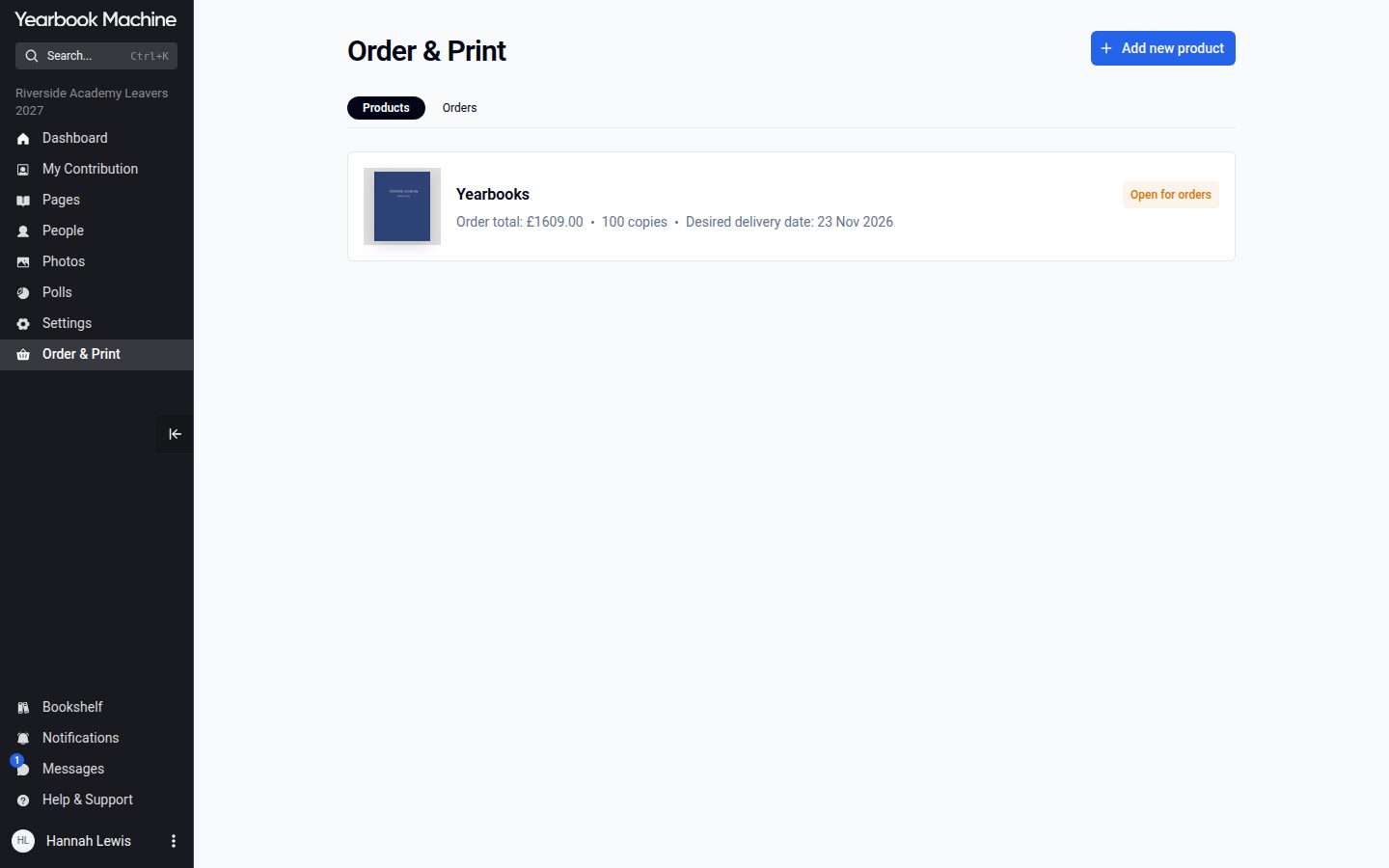
Ordering used to be spread across several places that changed as the book moved on: Specification and Dates & Delivery in Book Settings, View Drafts & Submit Book, Orders, Proofs and Hoodies. It is now all in one place.
One place for ordering and printing
Editors have an "Order & Print" item in the side menu from the day the book is created. It lists the book's products, each with a badge showing where it stands, such as "Set up not complete", "Open for orders" or "In production".
Each yearbook has its own page with tabs for Overview, Checks, Proof & Print, Official Approval (where it is needed) and Orders. The Overview shows the specification and price per copy, the delivery details, the order and print deadlines, and a list of what is still needed before the book can be printed.
Set up your order step by step
"Complete ordering setup" walks you through the order: confirm the specification and number of copies, then choose how you would like to order.
- Single order: one order for everyone, delivered to one address and paid for in one payment.
- Storefront, each person pays: each person orders their own copy through your online storefront and pays for it by card.
- Storefront, paid in one payment: each person orders their own copy through your online storefront without paying, and all the copies are then paid for in one payment.
The setup then covers delivery, the deadline and emails, and ends with a summary. "Save and exit" keeps your choices so far, and you do not need to wait for the book to be finished.
Your shop opens straight away
Storefronts used to be built by hand by our team after the book was submitted. Now, when you confirm a storefront in the setup, the shop is created there and then and is open for orders at once. Its link is on the "Your Storefront" panel, ready to share with your group.