
One account, all your books: the Bookshelf
Your account now holds every book you work on. Sign in once, see them all on your bookshelf, and start a new book without making a new account.
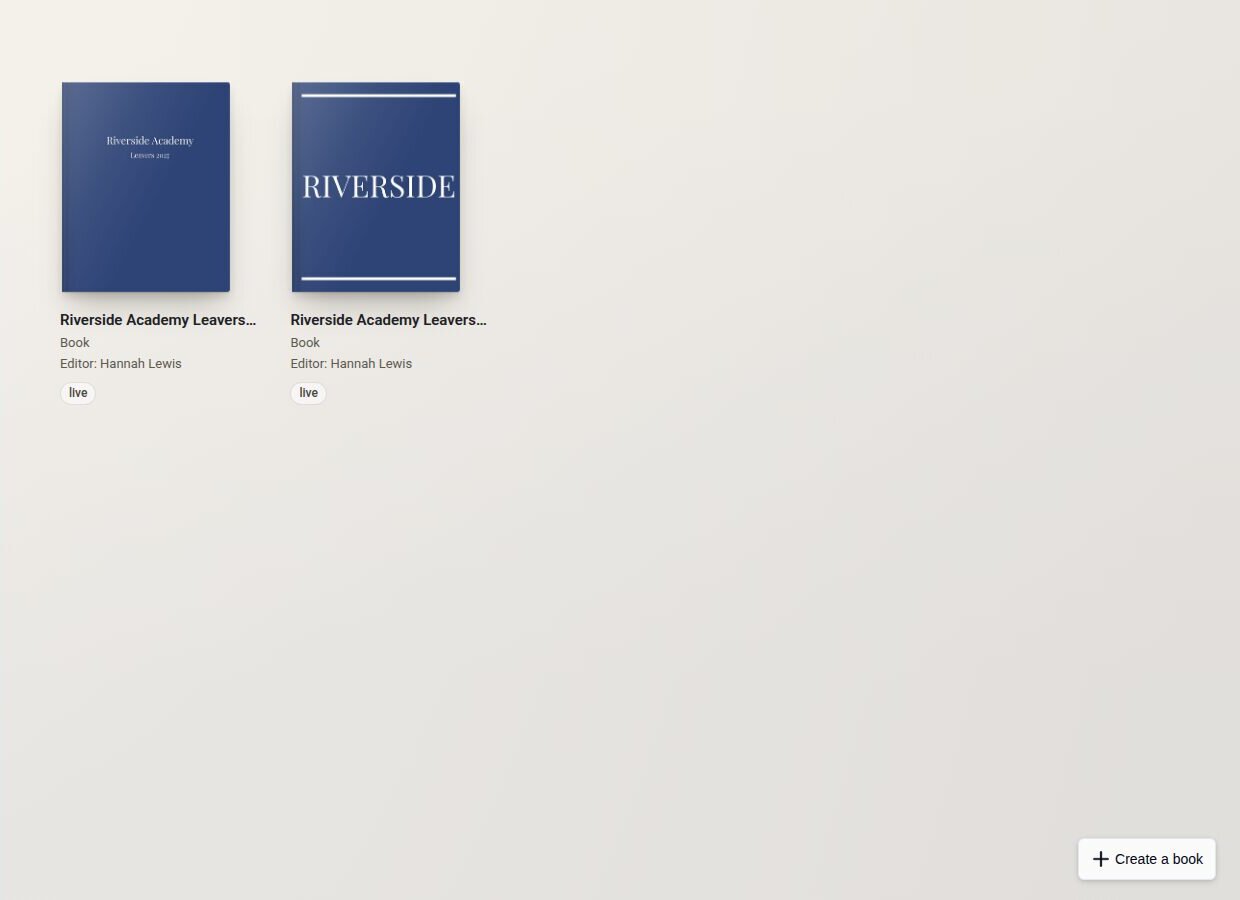
Many of the teachers and organisers we work with make a yearbook every year. Until now, that often meant a new account every year too. That has changed.
Every book in one place
When you sign in, you now land on your bookshelf, which shows every book on your account. Click a book to open it. If you follow a link to a particular book, you go straight there instead.
Inside a book, "Bookshelf" in the account menu takes you back, so moving between books no longer means signing out and in again.
Start a new book from your bookshelf
"Create a book" on the bookshelf takes you to a short Create page for the new book. There is no need to go back through sign-up or make a new account.
Copy last year's book
If you made a book with us before, the Create page offers to start the new one from it. Its cover, sections, polls and book settings come across, and all of them can be changed afterwards.
Your old books stay
Finished books stay on your bookshelf, so you can always go back to them.