A smarter photo tray: hide placed photos, spot duplicates and see who liked each photo
The photo tray now knows about the whole book: it hides photos you have already used anywhere and flags photos uploaded twice.
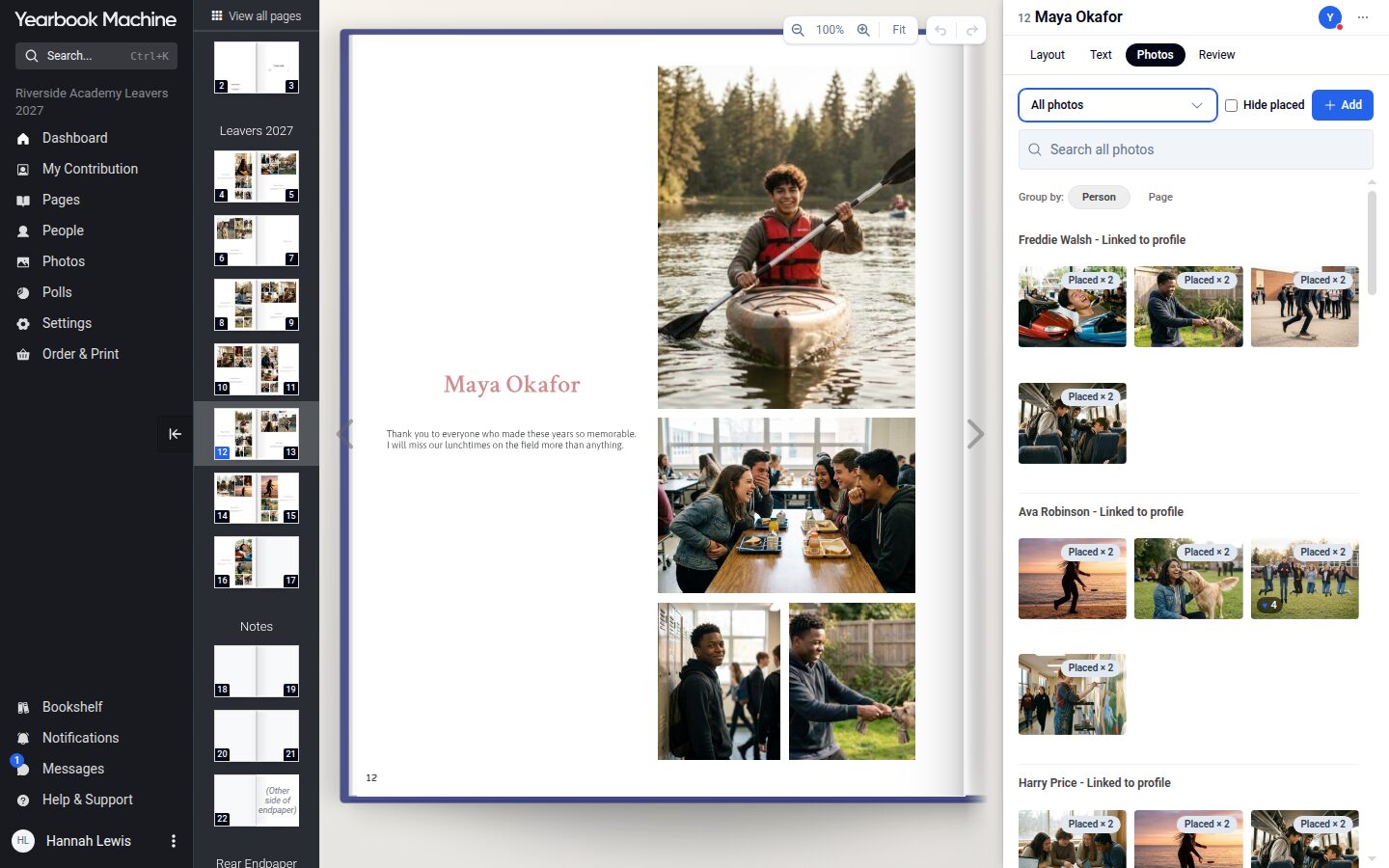
This month we have made a series of improvements to the photo tray, all aimed at the same problem: in a book with hundreds of photos, it is hard to remember which ones you have already used.
Hide placed covers the whole book
"Hide placed" used to know only about the page you were on, so a photo used elsewhere in the book still looked unused. It now hides every photo already placed anywhere in the book, and it stays ticked as you move from page to page.
Each thumbnail also shows where a photo stands. A photo used once says "Placed", and one used on several pages says "Placed × 2", "Placed × 3" and so on.
Duplicate photos are flagged
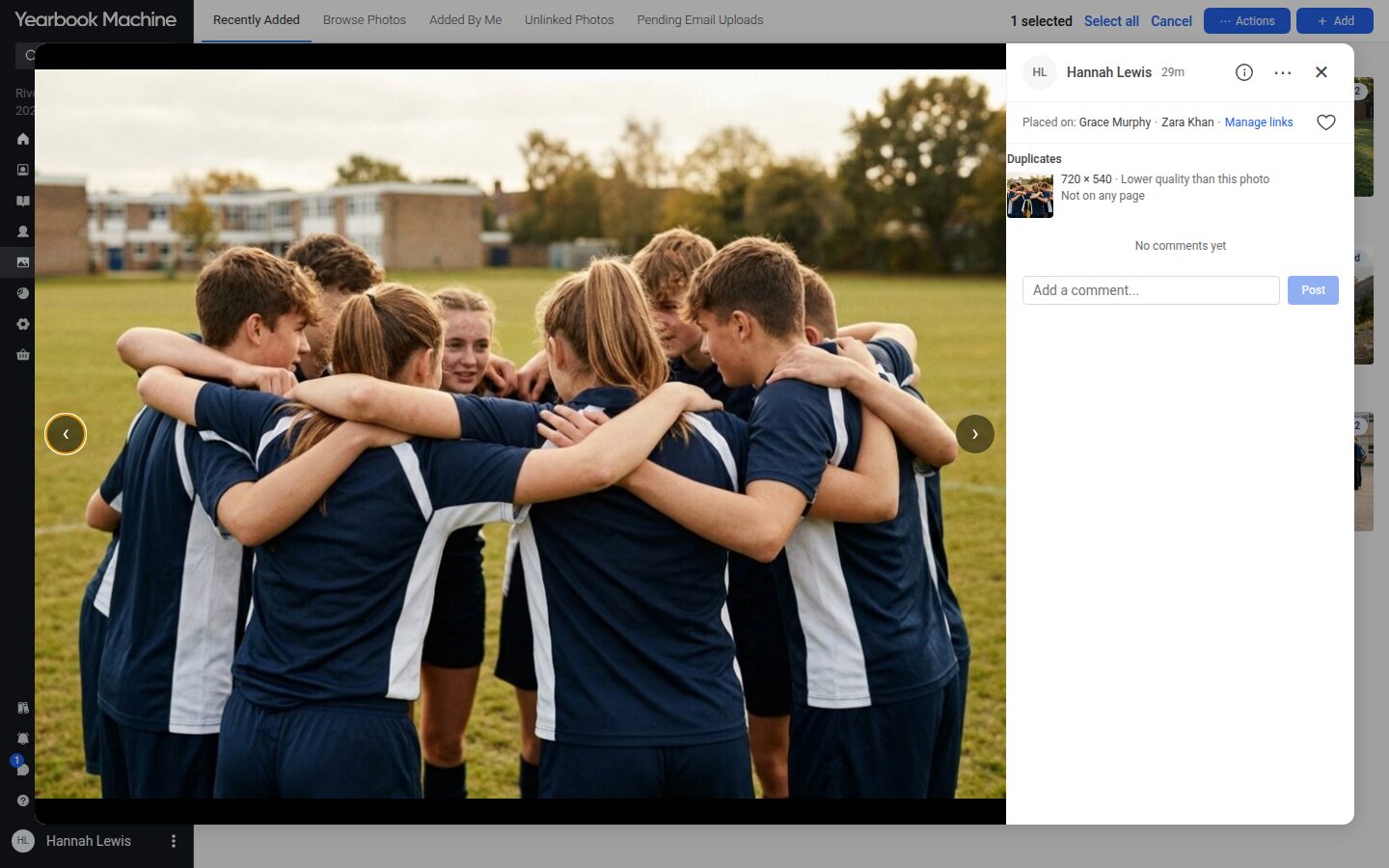
When the same picture has been uploaded more than once, even at a different size, each copy now carries a "Duplicate" label. Open the photo to see every copy, which one is the best quality and where each one is used.
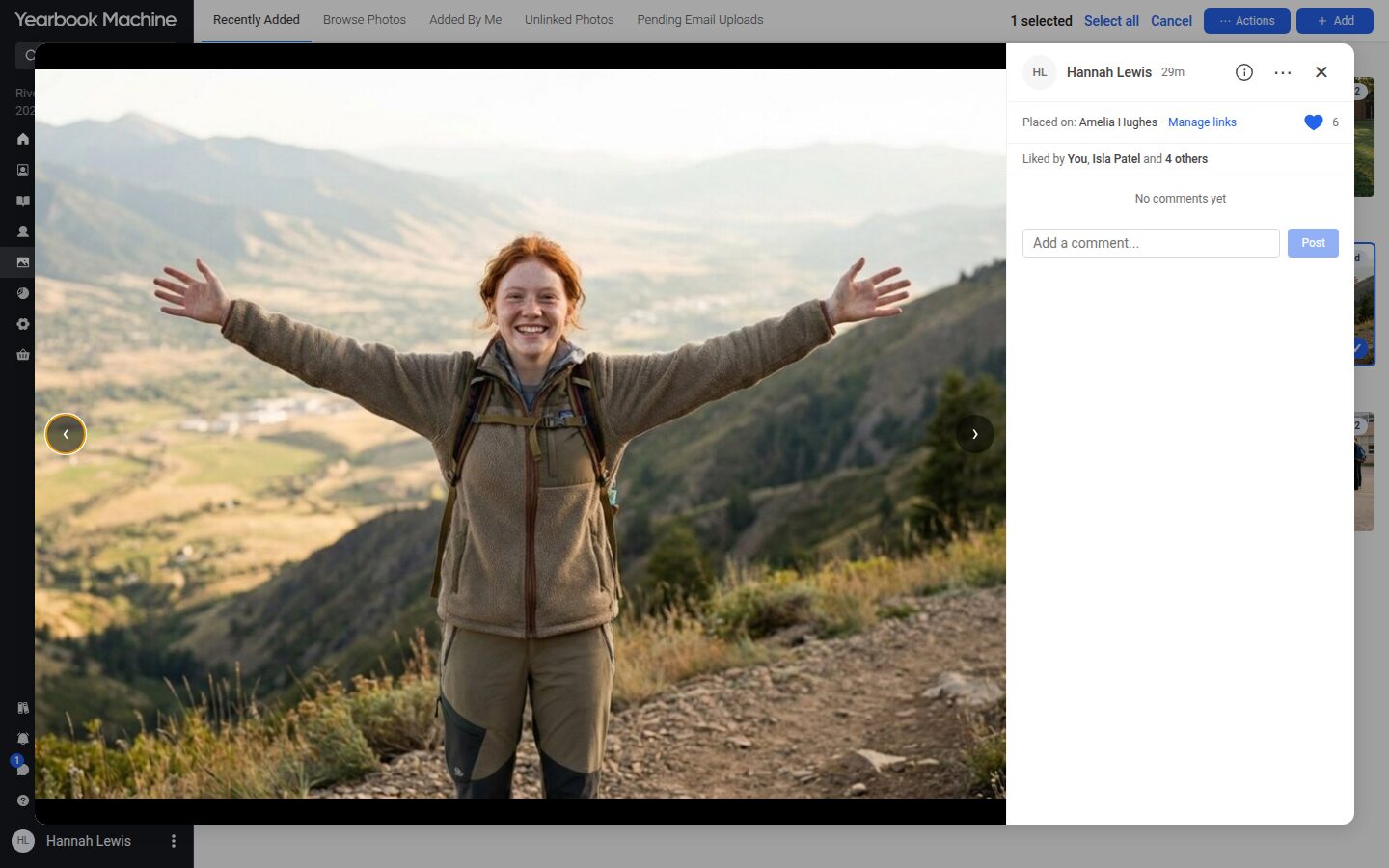
See who liked a photo
Under the heart in the photo window there is now a line such as "Liked by You, Alice Smith and 2 others". Click it to see everyone who liked the photo, which helps when the committee is choosing photos for a montage.