
“It felt like the system was working with us, not against us. It wasn’t just a static tool; it really helped us manage such a big project”
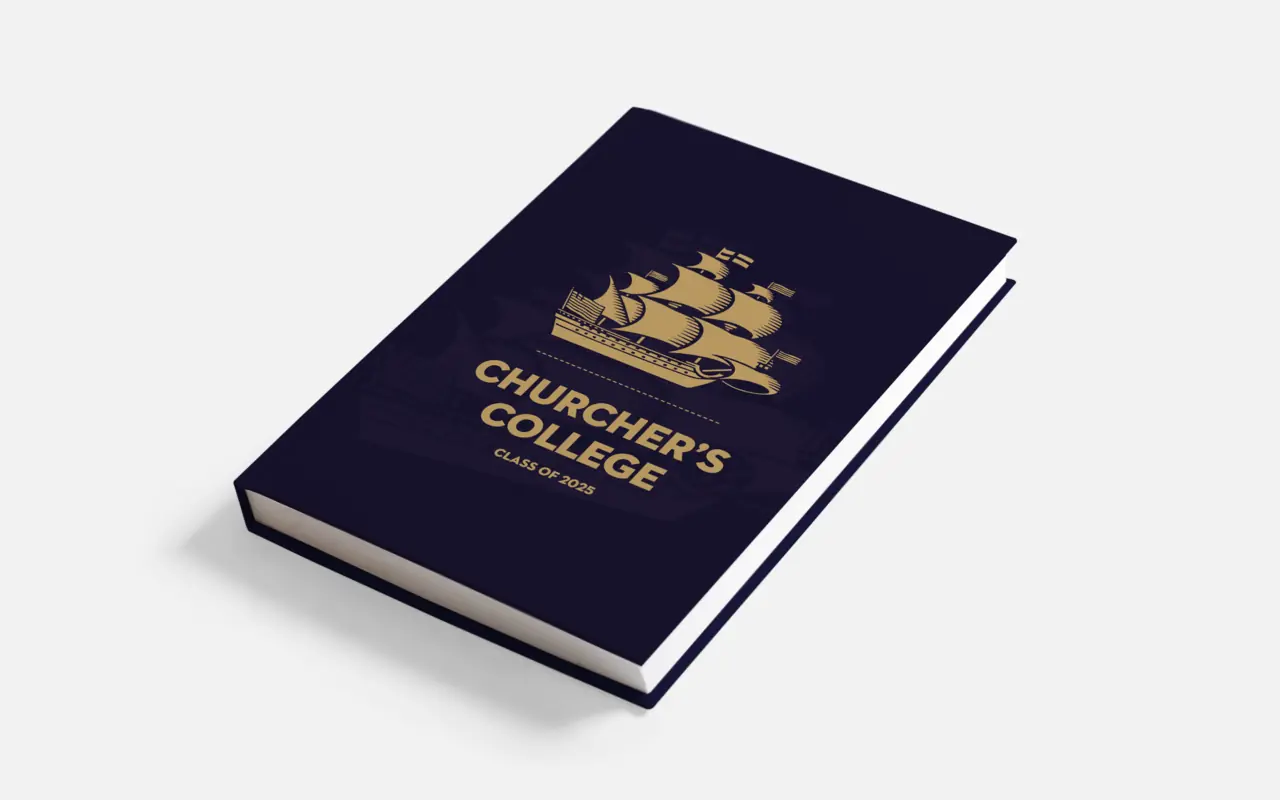
Why did you choose Yearbook Machine?
We didn’t get much of a choice as our teacher had used a few different systems in the past and said Yearbook Machine was his favourite, so we trusted his judgment! I did a bit of my own research as well and I thought it looked really modern.
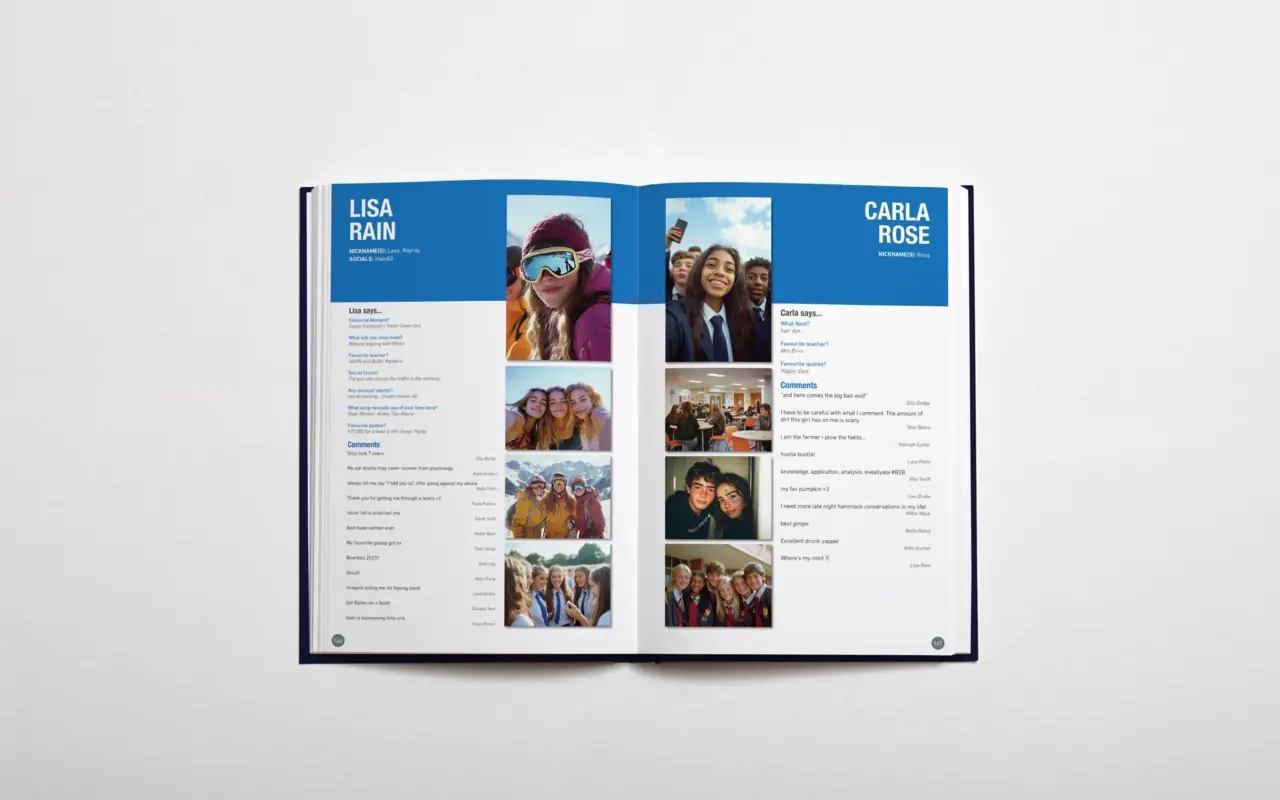
What did you like the most about Yearbook Machine?
The thing I liked most was how easy it was to use from both sides — for editors and contributors. It felt really intuitive, and the fact that people could upload their own content made the process smoother. I also loved the amount of control we had as editors. I’m quite particular about grammar and layout, so being able to make sure everything was consistent and polished was perfect for me. I also appreciated the notifications and feedback from the software — it felt like the system was working with us, not against us. It wasn’t just a static tool; it really helped us manage such a big project.
Which features of Yearbook Machine did you use?
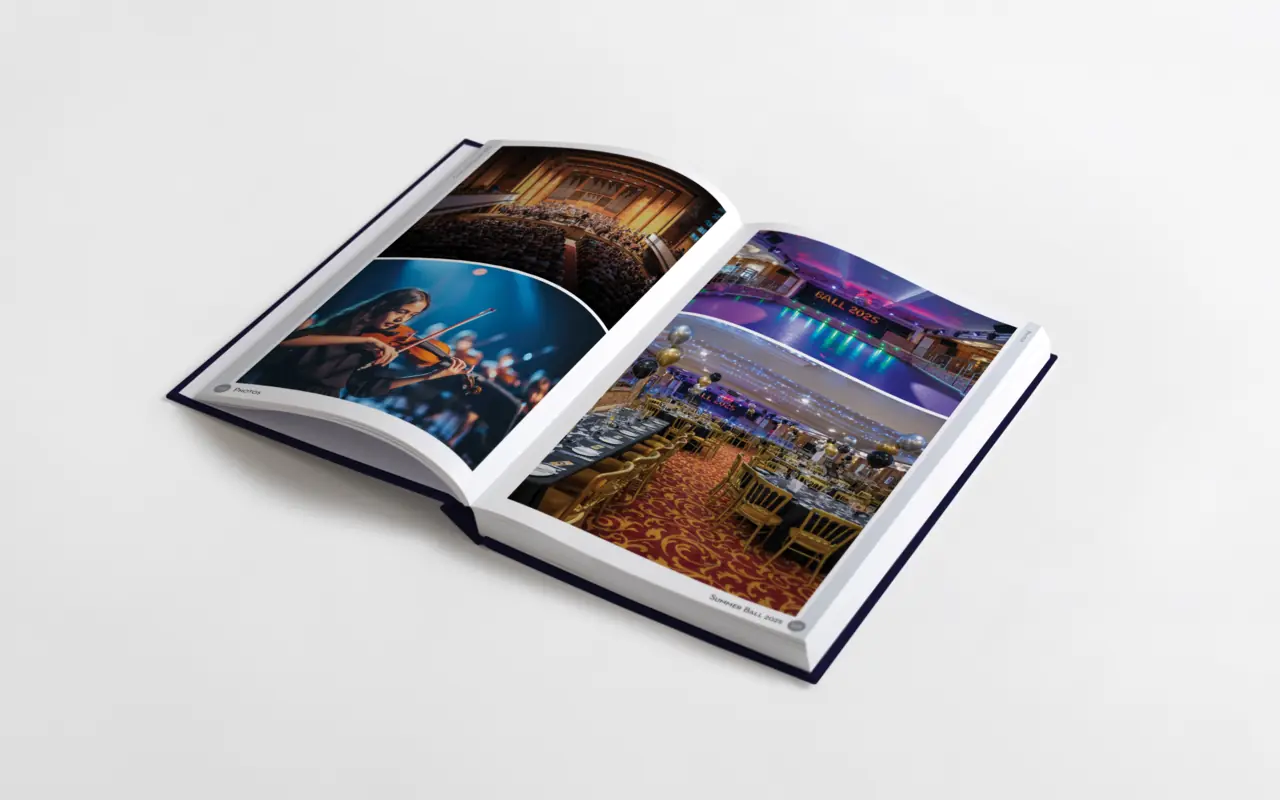
We used the Magic Flow tool a lot for laying out photo pages, especially for the big collage sections at the back - it saved loads of time. I also liked that you could adjust photo positions — making sure everyone’s faces were centred properly and nothing looked awkward. The commenting and poll features were brilliant too. We customised the polls to make them specific to our year, which everyone loved once we figured out how to add our own questions. It made the book feel really personal to our group.
What did you think about the printed books?
I loved them. We give our yearbooks out on results day, and when I first picked up the book I thought this is really good quality. The cover looked professional, the paper was thick, and the colours were so vibrant — nothing pixelated. The binding is solid too, it doesn’t crease in the way that some hardback books do. It just looked and felt like a proper keepsake. Overall, though, it’s such a high-quality product compared to other school books we’ve had.
How did your group respond?
Everyone was so happy with the finished books. People kept coming up to me to say how impressed they were. A lot of people said they weren’t expecting it to be that good — they thought it would be more basic, but really liked how heavy it was and how easy it was to find everyone’s pages. People from the year above even said ours looked better than theirs because we’d put more time into editing and layout.
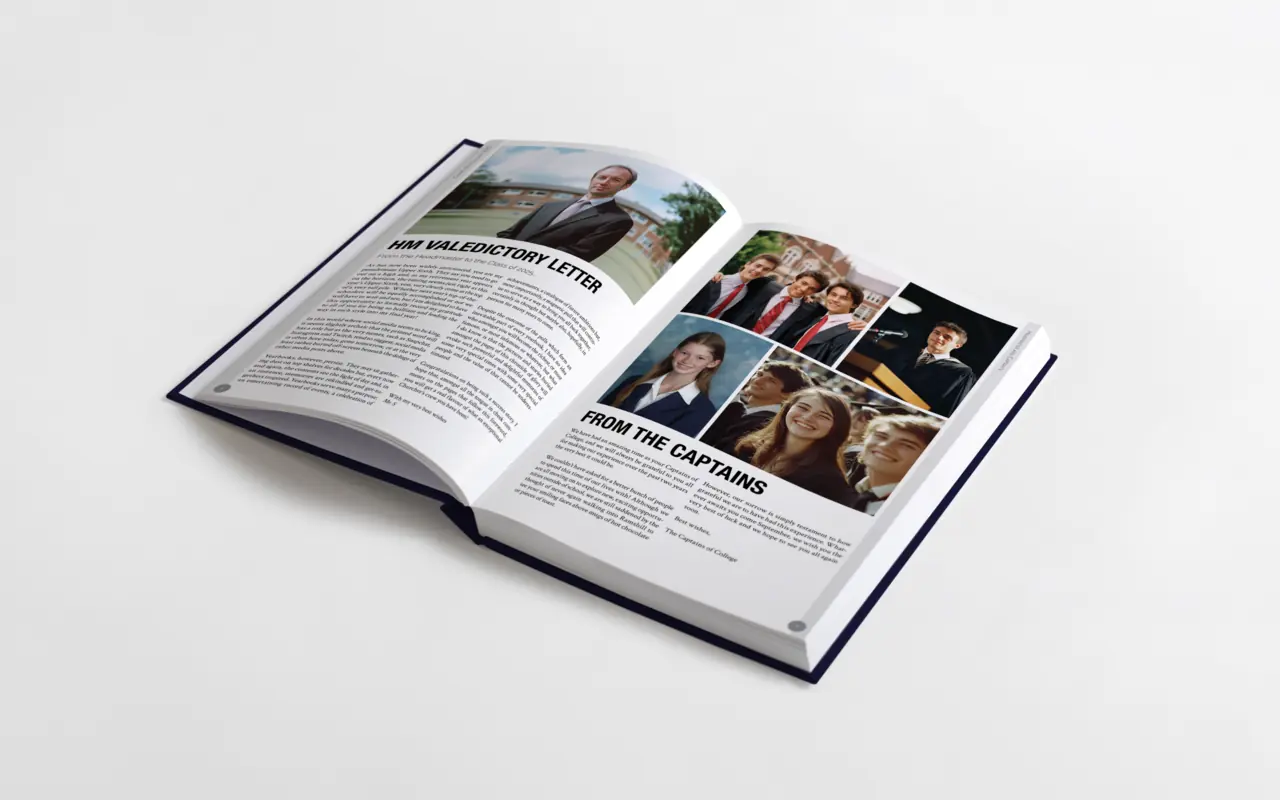
Would you do anything differently next time?
I think the only thing I’d change would be the size of our editing team. We had five of us, which ended up being too many. It meant that lots of people would crowd round the editors when they were working on the book, so they could see the pages which we’d set to private for contributors. It meant the final version wasn’t as much of a surprise as we’d wanted it to be. I think three editors would’ve been ideal — still enough to share the workload but easier to keep everything consistent and a bit more private.
Would you recommend us?
One hundred percent. I’d recommend Yearbook Machine to anyone doing a yearbook. It’s so easy to use, it looks amazing, and the final product feels really premium. Plus, you actually take feedback on board, which makes such a difference. If I end up doing something similar at university, I’d definitely use Yearbook Machine again.
Images of books have been altered to remove personally identifying information.